


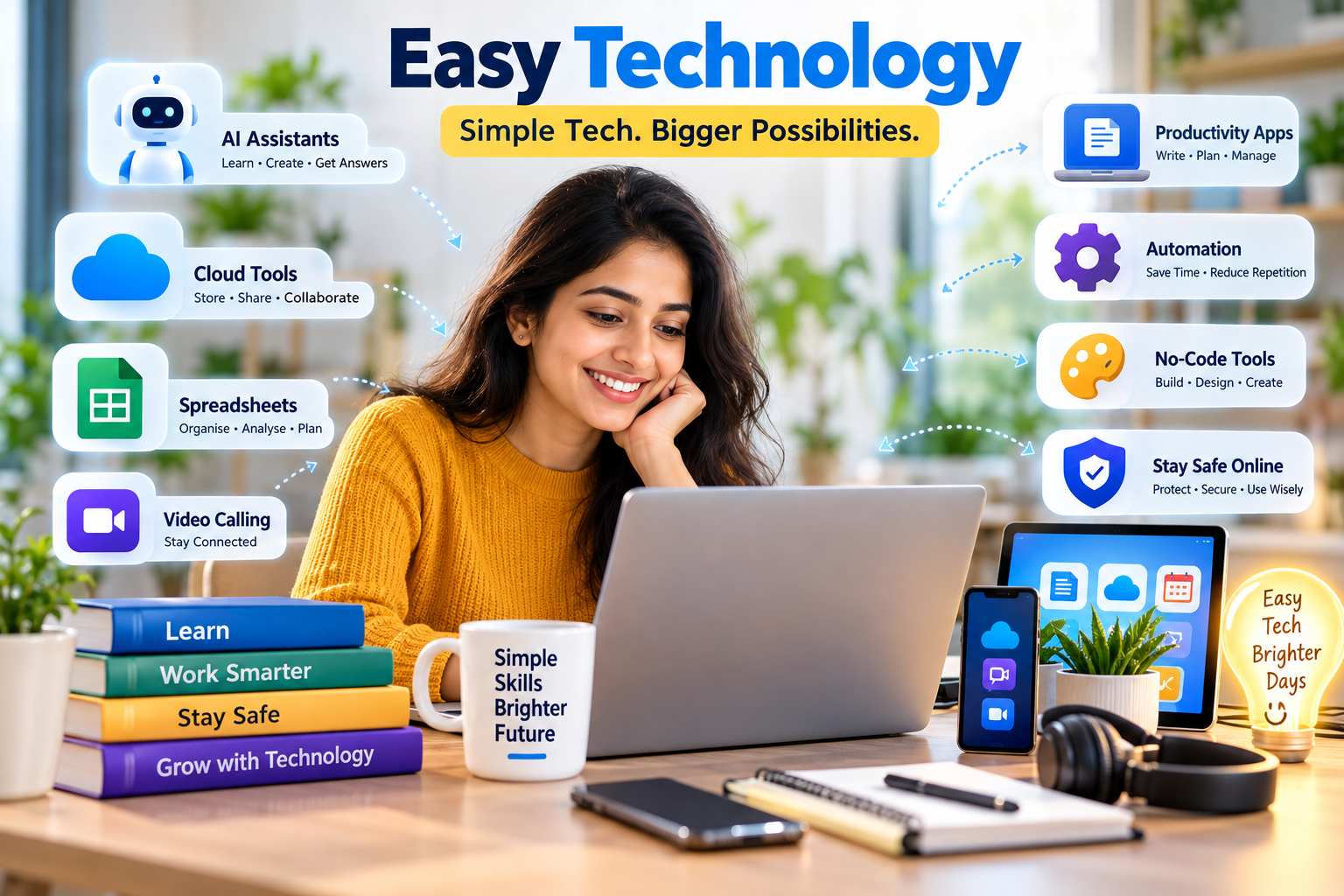
Easy technology is technology that helps people complete useful tasks without requiring advanced technical knowledge. It includes beginner-friendly apps, AI assistants, cloud tools, digital payments, automation, voice controls and devices designed to make complicated processes simpler.
If you are wondering which is the easiest technology to learn, there is no single answer for everyone. For most beginners, technologies with visual interfaces and immediate results—such as AI tools, cloud productivity apps, spreadsheets and no-code platforms—are easier starting points than programming, advanced networking or cybersecurity engineering.
The smartest way to learn technology is not to study everything at once. Start with one problem you already understand and learn the simplest reliable tool that solves it.
Table of Contents
What Is Easy Technology ?
Easy technology is not a formal branch of computer science. It is a practical way of describing technology that removes unnecessary complexity from the user’s experience.
A technology feels easy when three things are immediately clear:
What does it do? What should I do next? What happens after I do it?
Consider scanning a QR code to make a payment. Behind that simple action may be databases, authentication systems, internet connections and financial networks. The user does not need to understand those systems. They simply scan, check and confirm.
That is an important principle of good technology:
The system can be technically complex while remaining simple for the person using it.
What Is EasyTech ?
The terms EasyTech, Easy Tech and EasyTek are also used by different companies, products and services. They should not automatically be confused with the broader concept of easy technology.
In this article, easy technology means technology that is easy to understand, learn and use.
If you encounter a particular product called EasyTech or EasyTek, check its exact manufacturer or service provider. The name alone does not identify one universal technology.
Which Is the Easiest Technology to Learn ?
The easiest technology to learn usually has a visual interface, clear instructions, immediate feedback and a practical use that you already understand.
Here is a simple comparison:
| Technology | Starting Difficulty | Useful For |
|---|---|---|
| AI assistants | Easy | Explanations, writing and summaries |
| Video calling | Easy | Communication |
| Cloud storage | Easy | Saving and accessing files |
| Digital payments | Easy | Everyday transactions |
| Productivity apps | Easy | Documents, calendars and notes |
| Spreadsheets | Easy–Medium | Data and calculations |
| No-code tools | Easy–Medium | Websites and simple workflows |
| Basic automation | Medium | Repetitive tasks |
| Web development | Medium | Building websites |
| Data analytics | Medium | Understanding data |
| Networking | Medium–Hard | Connected computer systems |
| Cybersecurity engineering | Harder | Protecting complex systems |
| Machine-learning development | Harder | Creating AI systems |
The important point is that the same technology can be easy at one level and difficult at another.
Using Wi-Fi is easy. Designing a large secure wireless network is not.
Using an AI assistant is relatively easy. Building an artificial-intelligence model is much harder.
Using cloud storage is simple for most people. Designing enterprise cloud infrastructure requires specialised knowledge.
So instead of asking only “Which technology is easy to learn?”, ask:
“How deeply do I actually need to learn it?”
Which Technology Is Easy to Learn Without Coding ?
You do not need to become a programmer to develop valuable technology skills.
AI Assistants
Artificial intelligence is one of the easiest newer technologies to start using because many AI tools accept instructions in normal conversational language.
You can use an AI assistant to explain a difficult concept, summarise information, draft an email, organise notes, brainstorm ideas or analyse basic information.
The distinction between using AI and building AI is important.
Using AI can be beginner-friendly. Developing AI systems requires programming, mathematics, data knowledge and other technical skills.
AI also raises questions about accuracy, accountability and responsible use. For a deeper look at those issues, read HelpForSoul’s article on the AI transformation problem of governance.
Cloud Tools
Cloud-based productivity tools are another easy place to begin.
A beginner initially needs to understand only four actions:
Create → Save → Find → Share
Once those actions become familiar, features such as collaboration, permissions and automatic synchronisation are easier to understand.
If you are still learning how common internet services fit together, HelpForSoul’s guide explaining what Google is provides useful background.
Spreadsheets
Spreadsheets are simple to begin with but can become extremely powerful.
Start by entering data, formatting cells, adding totals, sorting information and applying filters. Later, you can learn formulas, charts, lookup functions and automation.
No-Code Tools
No-code tools allow people to create websites, forms, databases and automated workflows through visual controls instead of traditional programming.
They are particularly useful for someone who understands the problem they want to solve but does not yet know how to code.
Which Is the Easiest New Technology to Learn ?
At user level, generative AI is one of the easiest emerging technologies to start exploring.
Instead of learning complicated commands, you can describe the outcome you want in everyday language.
For example:
“Explain this topic in simple words.”
“Turn these notes into a professional email.”
“Summarise the main points in this document.”
“Organise this information into a table.”
The difficult technical work happens behind the interface.
However, easy access does not guarantee correct results. AI-generated information can contain mistakes, so important medical, legal, financial, academic or professional information should be checked against reliable sources.
How to Understand Technologies Easily
Technology becomes confusing when you try to learn every technical detail before understanding its purpose.
A better method is to ask five questions.
First, what problem does it solve?
Second, what goes into the system?
Third, what happens in simple terms?
Fourth, what result comes out?
Fifth, what can go wrong?
Consider cloud storage.
The problem is keeping files accessible and protected from being tied to only one device.
The input is the file you create or upload.
The process involves storing the file on remote computer systems and synchronising it through the internet.
The result is access to the file from compatible devices.
Possible problems include weak account security, incorrect sharing permissions or losing access to the account.
Understanding technology this way is usually easier than memorising technical definitions.
How to Make Tech Devices Easy for a Non-Techie
If you are helping someone who is uncomfortable with technology, adding more instructions can make the situation worse.
Reduce complexity instead.
Keep commonly used apps easy to find. Increase text size when needed. Remove unnecessary shortcuts. Use familiar language rather than technical jargon. Enable voice features where they are useful.
Most importantly, teach one task at a time.
Start with making a call.
Then teach video calling.
Next, show how to send a message.
Then explain how to take and find a photo.
Once those tasks feel familiar, introduce something new.
Accessible design benefits more than people with disabilities. Stanford’s educational resources on designing for accessibility and inclusion provide useful guidance on making digital experiences easier for a wider range of users.
How to Make Technology Easily Available
Making technology easily available requires more than simply giving someone a device.
Useful access depends on affordable connectivity, understandable interfaces, digital skills, accessible design and reliable services.
A phone is technically available to someone, but that does not mean it is genuinely useful if the person cannot navigate it, recover from a mistake or understand security warnings.
Good technology reduces those barriers.
Developers can help by using clear navigation, understandable language, predictable controls and accessible interfaces.
Users also need enough digital literacy to recognise when something may be unsafe or misleading.
Easy Technology for Students
Students often assume that using more apps means becoming more productive.
Usually, the opposite is true.
Technology should be selected according to the problem.
If the problem is forgetting deadlines, use a calendar.
If the problem is losing assignments, use cloud storage.
If the problem is collaboration, use shared documents.
If the problem is understanding a difficult topic, use educational resources and appropriate AI assistance.
If the problem is organising research, develop a simple system of folders, bookmarks and notes.
Students should also learn how to judge whether information found online is trustworthy. Stanford Graduate School of Education provides Civic Online Reasoning resources for evaluating online information, including materials designed to strengthen digital information-evaluation skills.
The goal is not to use technology constantly. It is to use it deliberately.
Easy Technology for Work
At work, easy technology creates the most value when it reduces repetitive effort.
Examples include calendar reminders, shared documents, spreadsheet formulas, cloud file sharing, automatic transcription, AI-assisted drafting and workflow automation.
Imagine manually creating the same report every morning.
If a spreadsheet formula or automation turns a 20-minute repetitive process into a two-minute task, the technology is delivering real practical value.
That is more important than whether the software is fashionable or technically impressive.
Must Have vs Nice to Have Technology
The must-have versus nice-to-have approach makes technology decisions much easier.
A must-have feature directly supports the job you need to perform.
A nice-to-have feature improves the experience but is not essential.
For example, someone buying a laptop for routine office work may consider adequate memory, sufficient storage, reliable Wi-Fi, security updates and good battery life essential.
A touchscreen, expensive graphics hardware or premium speakers might be optional.
Using this distinction prevents people from paying for features they are unlikely to use.
It also applies to software.
Before subscribing to an expensive application, ask which features solve your actual problem and which simply look attractive on the product page.
Which IT Technologies Are Easy and Which Are Hard?
There is no permanent division between “easy IT” and “hard IT.”
Difficulty depends on the depth of knowledge required.
Productivity software, cloud storage, basic AI tools and digital communication are relatively easy entry points.
Spreadsheets, basic databases, no-code development and entry-level data analytics usually require more practice.
Programming, networking, cybersecurity engineering, cloud architecture and machine learning become increasingly technical as you move beyond introductory use.
This is why a beginner should not choose a technology simply because someone says it is easy.
Choose it because it is useful enough to justify learning.
Is a System Designer Needed in Companies?
Not every company employs someone with the exact job title system designer.
However, organisations that develop complex digital products usually need people who decide how different parts of a system should interact.
Those responsibilities may belong to software architects, solution architects, systems engineers, product designers, UX designers or technical leads.
A small company using standard business software may not need a dedicated system designer.
A company building complex software platforms is much more likely to need system-level design expertise.
Why Are There Multiple Systems in Functional Design?
Complex products often contain several smaller systems because each one handles a different responsibility.
An online shopping platform might contain separate systems for user accounts, payments, product search, inventory, recommendations, notifications and delivery.
Separating responsibilities makes complicated software easier to maintain and improve.
The customer, however, should not need to understand those separate systems.
Good design makes many technical systems feel like one simple experience.
That is another example of easy technology built on top of complex technology.
Easy Technology Must Also Be Safe Technology
A tool should not be considered truly easy if using it safely is unnecessarily difficult.
Basic account security is therefore part of digital literacy.
The U.S. National Institute of Standards and Technology recommends stronger approaches to account protection, including password managers and multifactor authentication. Its official NIST guidance on passwords and account security explains these options in straightforward language.
Multifactor authentication adds another identity check instead of relying solely on a password. The Cybersecurity and Infrastructure Security Agency provides official guidance on using multifactor authentication and explains why stronger authentication can better protect accounts.
Software updates matter too. The Federal Trade Commission’s guidance for protecting personal information online recommends keeping operating systems, browsers, mobile apps and security software current because updates can include important security fixes.
Easy technology and secure technology should work together.
How Can You Learn Technology Faster?
Do not start with a broad goal such as:
“I want to learn computers.”
Choose a real task instead:
“I want to organise my documents.”
“I want to create a monthly expense sheet.”
“I want to make video calls.”
“I want to learn how AI can help me summarise information.”
Then learn only what is required to complete that task.
Repeat the process without instructions.
Make a small mistake and learn how to recover from it.
Once you are comfortable, add one new feature.
This approach gradually builds genuine digital confidence.
What Is the Best Easy Technology for You?
There is no universal favourite technology.
The best choice depends on the problem.
For learning, an AI assistant or educational tool may be useful.
For communication, video calling may provide more value.
For office work, spreadsheets, calendars and cloud tools may matter most.
For someone who finds typing difficult, voice technology may make the biggest difference.
For a small business, simple automation or digital payment tools may save substantial time.
Instead of asking:
“What is the most advanced technology I can learn?”
ask:
“Which technology removes the biggest unnecessary difficulty from something I already need to do?”
That question usually leads to a better choice.
Frequently Asked Questions About Easy Technology
Which is the easiest technology to learn?
AI assistants, productivity applications, cloud storage, video calling, basic spreadsheets and no-code tools are among the easiest technologies for many beginners to start using.
Which technology is easy to learn for beginners?
Start with technology that gives immediate visual feedback and solves a familiar problem. Cloud productivity tools, communication apps and basic AI tools are strong examples.
Which is the easiest new technology to learn?
Generative AI is relatively easy to begin using at the user level because many systems accept natural-language instructions. Developing AI technology is considerably more difficult.
How can I understand technology easily?
Learn the purpose first. Identify what goes into the system, what it does, what comes out and what limitations or risks it has.
How do I make a tech device easier for a non-techie?
Simplify the interface, increase text size where useful, remove unnecessary shortcuts, enable helpful voice features and teach one task at a time.
What is EasyTech?
EasyTech or EasyTek may refer to different products or companies. Easy technology, as a general concept, means technology designed to be easier to understand and use.
Do I need to carry EasyTek all the time?
“EasyTek” can refer to specific branded products, so there is no universal answer. Check the instructions for the exact device or service you mean. It is different from the general concept of easy technology discussed here.
Which IT technologies are harder to learn?
Advanced networking, cybersecurity engineering, cloud architecture, machine-learning development and complex software engineering generally require deeper technical knowledge than everyday productivity tools.
Easy Technology Is About Removing Friction
The best technology does not constantly remind you how complicated it is.
It simply helps you get something done.
That might mean finding a document without searching through dozens of folders, joining a meeting with one tap, using voice typing instead of a keyboard, automating a repetitive report or asking an AI system to explain an unfamiliar subject.
So, which technology is easy to learn?
Start with technology that solves a problem you already understand.
Choose a tool with a clear interface.
Learn one useful action.
Repeat it until it feels natural.
Then move to the next.
Easy technology is not technology with fewer capabilities. It is powerful technology that gives people useful capabilities without forcing them to manage unnecessary complexity.
